
Why AI Makes the Difference in ID Card Production
Producing ID cards for schools used to mean hours of manual photo work: cropping portraits one by one in Photoshop, removing backgrounds with the eraser tool, and mapping Excel columns by hand every time a new school sent its student data in a slightly different format. ID Card Master's built-in AI eliminates all three bottlenecks.
It is the only free ID card platform in India that integrates artificial intelligence directly into the card production workflow — not as an optional add-on, but as a core part of how every order gets processed. Here is exactly what the AI does, and why it changes the economics of running an ID card business.
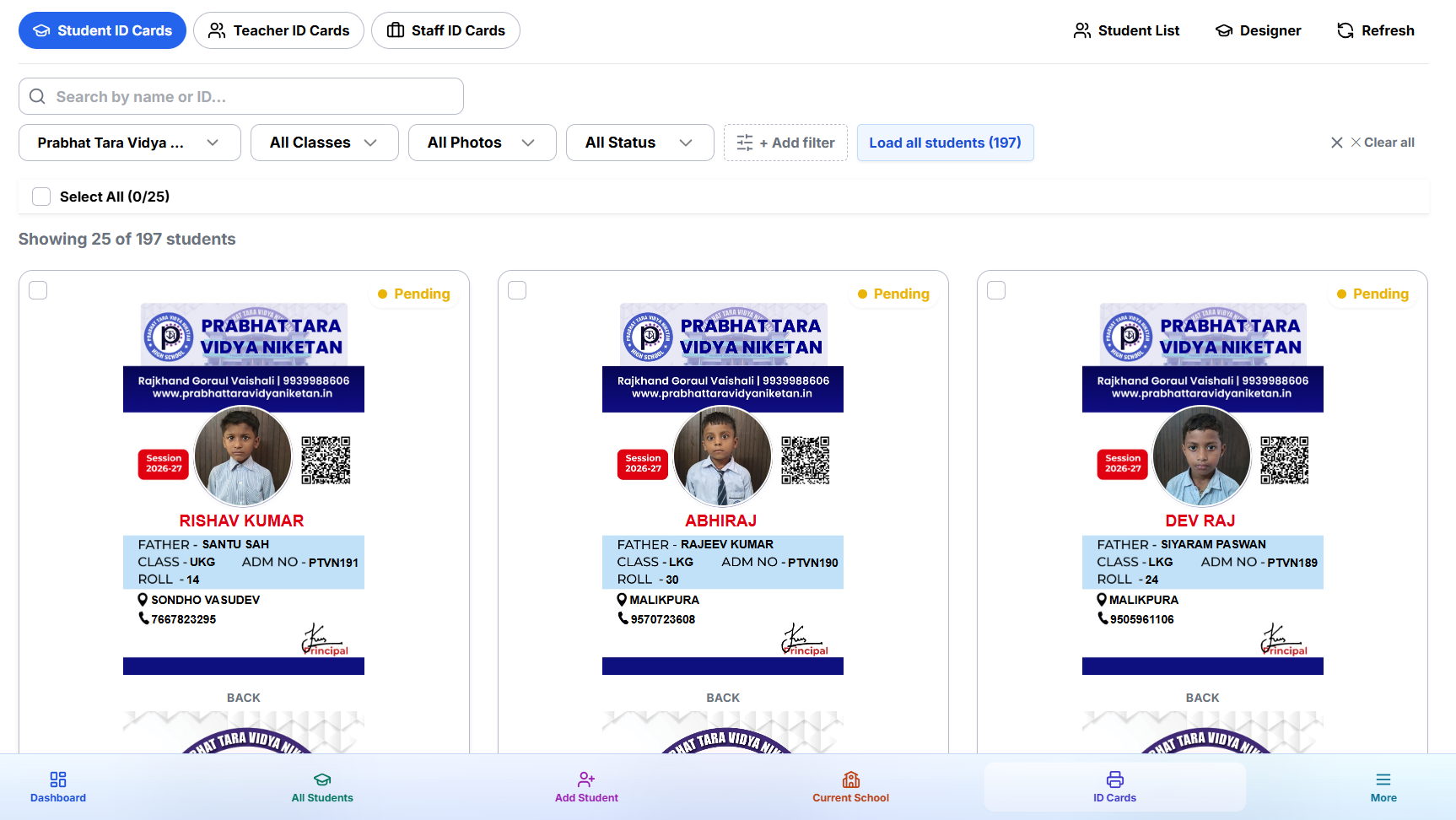
1. AI Face Crop — Perfect Portraits Without Photoshop
Raw photos from schools are almost never print-ready. Students are photographed on mobile phones in hallways, in groups, from a distance, or in poor lighting — and they arrive in your hands as the vendor. Cropping each photo manually to a clean portrait frame for 500 students can take 2–3 hours in Photoshop.
ID Card Master's AI Face Crop handles this automatically. The moment a student photo is uploaded — individually or as part of a bulk ZIP — the AI detects the student's face, calculates the correct crop boundaries, and delivers a clean, centered portrait ready for the card. No manual adjustment, no Photoshop, no wasted time.

The AI handles edge cases that trip up manual workflows:
- Off-center subjects — face detected and correctly cropped even when the student isn't centered in the frame
- Group photos — the most prominent face is selected and cropped, no configuration needed
- Low-resolution sources — face detection works reliably on typical school-grade mobile photos
- Varied backgrounds — whiteboard, classroom, outdoors, office — all handled without any setup
The result: 500 students, 500 perfectly framed portrait crops — in the time it takes to upload a ZIP file.
2. AI Background Removal — Clean Headshots Without a Photo Studio
Professional ID cards use clean, uniform backgrounds behind the student portrait. The traditional way to achieve this: photograph every student against a white wall (impractical for most schools), or manually erase backgrounds in Photoshop using the pen tool — neither of which scales to hundreds of students.
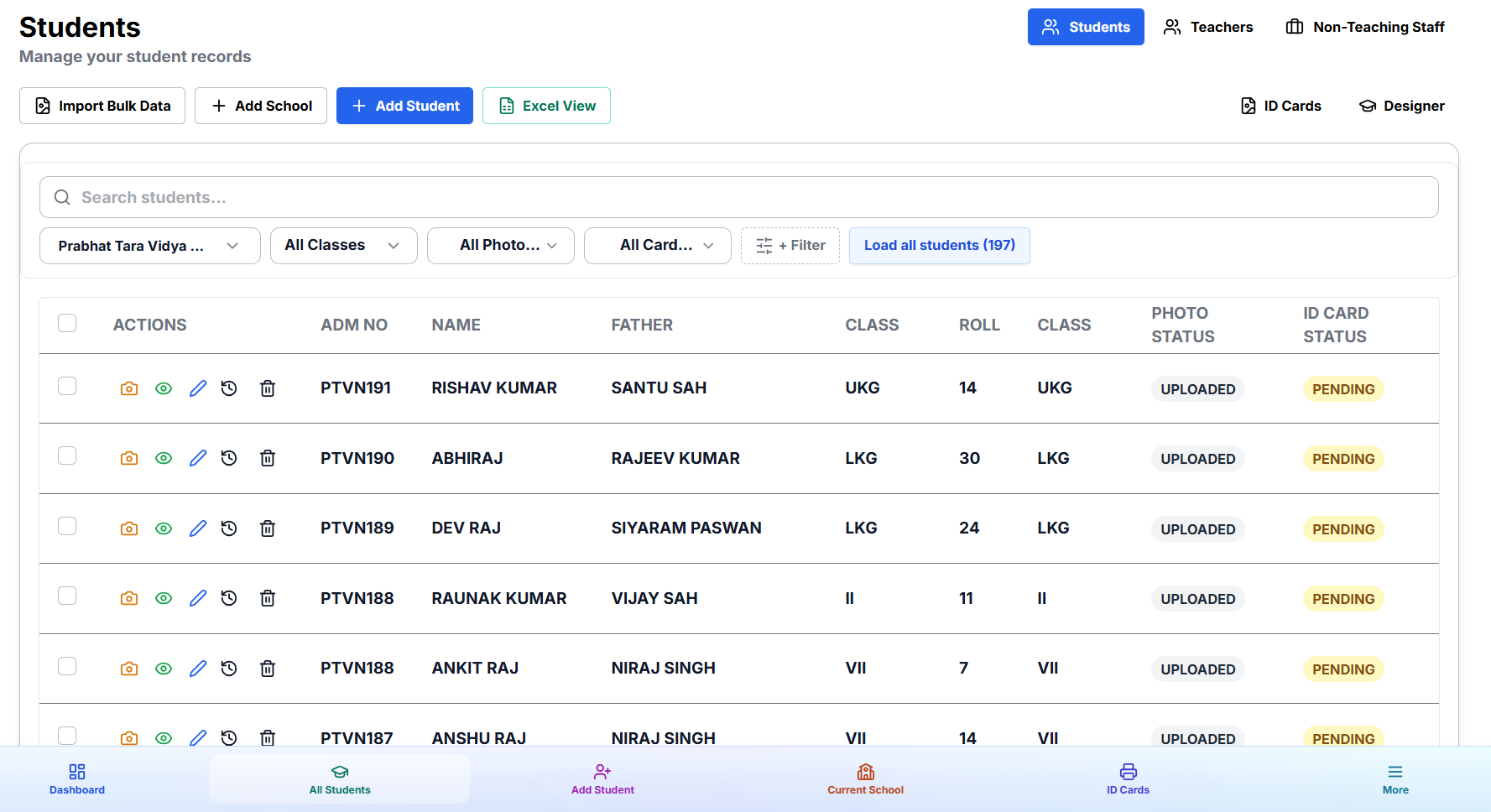
ID Card Master's AI Background Removal instantly strips the background from any student photo — classroom wall, furniture, cluttered corridor — and leaves a clean headshot ready to be placed on the card. The AI identifies the person's outline with precision, preserving hair detail and edges accurately, without requiring a controlled studio environment or any manual editing.
Why this matters for ID card vendors:
- You no longer need to ask schools to photograph students against a white wall
- Reject rates drop significantly — any photo works, regardless of background complexity
- Cards look more professional across the board, which schools and parents notice
- No per-image editing time — AI processes photos as they are uploaded, in parallel
Face crop and background removal work together automatically. Upload → AI processes → portrait is ready. The vendor doesn't interact with the photo at all after uploading it.
3. Smart Field Auto-Match — AI Maps Your Excel to Card Fields
One of the most tedious parts of bulk import is column mapping. Every school sends student data with slightly different column headers: sometimes "Student Name", sometimes "Name of Student", sometimes "Pupil Name" or even "Naam". In most tools, you have to manually map each column to the corresponding card field — every single time, for every new school's Excel format.
ID Card Master's smart auto-match reads your Excel headers and automatically maps each column to the correct card field. The AI understands intent, not just exact text — so "Sl. No.", "Serial No.", and "Roll Number" all correctly map to the Roll Number field without manual intervention.
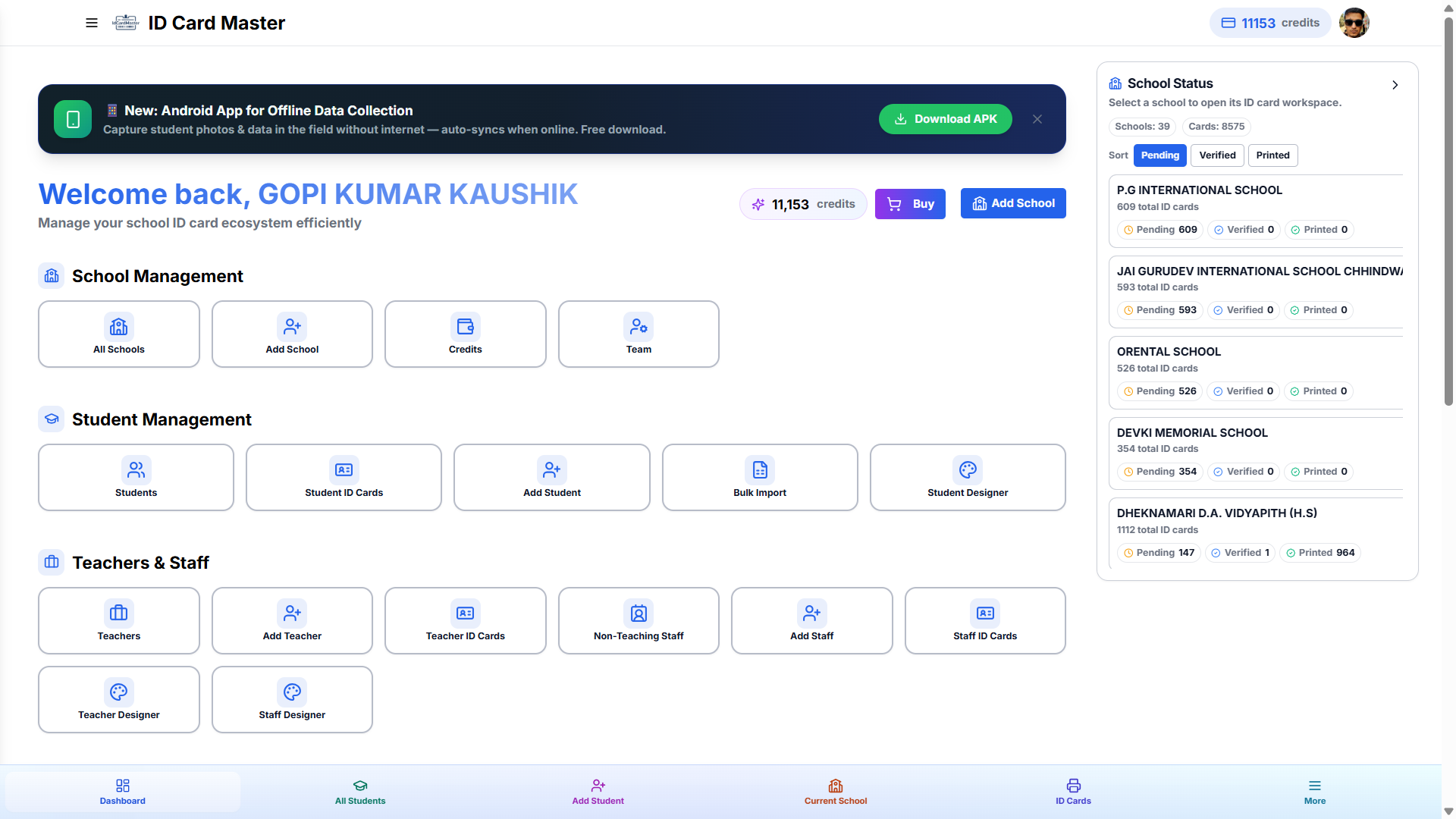
What the smart match resolves automatically:
- Name variations — "Student Name", "Pupil Name", "Name", "Full Name", "Naam" all resolved to the Name field
- Class and section — "Standard", "Class", "Grade", "Section", "Div." all correctly identified
- Roll number and admission number — including abbreviated, combined, and local-language formats
- Date of birth — "DOB", "Date of Birth", "Birth Date", "Janam Tithi" mapped automatically
- Father's and mother's names — common Indian and bilingual variations handled
- Custom fields — recognized and preserved even when they don't match any standard field name
For vendors managing 20–50 schools, each with a different Excel format, this alone saves hours per month. With auto-match, you go straight from file upload to student preview in one step — no mapping dialog, no column-by-column assignment.
How These Three AI Features Work Together
The real power is not any single feature — it is how face crop, background removal, and field auto-match combine into a seamless, near-zero-intervention workflow:
- Upload the school's Excel file → AI auto-maps columns to card fields. No manual mapping.
- Upload the photo ZIP → AI auto-matches photos to students by file name. AI crops each face. AI removes the background.
- Choose a template → Preview updates instantly with real student data and AI-processed portraits.
- Export all cards → Print-ready PDFs at 300 DPI — perfectly framed, clean-background photos on every single card.
A school order that used to take 4–6 hours with manual photo editing and column mapping now takes under 15 minutes from data upload to print-ready PDF.
ID Card Master AI vs Traditional ID Card Tools
| Feature | ID Card Master (AI-powered) | Photoshop + Excel (manual) | Other ID Card Software |
|---|---|---|---|
| Face detection & auto-crop | ✅ AI — automatic on every photo | ❌ Manual per photo in Photoshop | ❌ Not available |
| Background removal | ✅ AI — instant, no setup required | ❌ Manual pen tool / eraser | ❌ Not available or paid add-on |
| Excel column auto-match | ✅ AI — reads headers intelligently | ❌ Manual mapping every time | ❌ Manual mapping every time |
| Photo-to-student auto-match | ✅ By roll number, admission no., name | ❌ Completely manual | ❌ Manual or basic name match only |
| Time for 500-student order | ✅ Under 15 minutes | ❌ 4–8 hours | ❌ 1–3 hours |
| Cost | Free | Paid (Photoshop + M365) | Paid or feature-limited free |
| Skill required | None — AI handles it all | Photoshop expertise required | Some design skill needed |
Who Benefits Most from AI-Powered ID Cards?
ID card vendors managing 5 or more schools see the biggest impact. Each school sends different photo quality, different Excel column names, and expects professional-quality output. AI normalizes all of that — every school gets the same clean, professional result regardless of how inconsistent their source data was.
Single-school administrators benefit too, particularly when student photos are collected on smartphones (the AI handles any photo quality) and when the school's Excel does not match a standard template format.
AI Without the Technical Complexity
You do not need to know anything about AI to use these features in ID Card Master. There are no settings to configure, no models to select, no thresholds to tune. Upload a photo — the AI crops it and removes the background. Upload an Excel file — the AI maps the columns. The intelligence is built into the platform and runs invisibly behind every action.
The platform handles the technology. You focus on delivering the cards.
Frequently Asked Questions
Does ID Card Master use AI for all student photos?
Yes. Every photo uploaded to ID Card Master is automatically processed by AI — face detection, portrait cropping, and background removal all run automatically on upload. You do not need to trigger these actions manually; they happen as part of the standard upload flow.
What if a student's photo has a very complex background?
ID Card Master's AI background removal is designed to handle complex, cluttered backgrounds — classrooms, corridors, outdoor settings. The AI accurately separates the person from the background without requiring a controlled studio environment. In rare edge cases, you can manually replace just that student's photo without affecting the rest of the batch.
Can the AI face crop handle group photos?
Yes. If a group photo is uploaded, the AI detects all faces and selects the most prominent one for the portrait crop. For bulk batches, individual photos — one student per image — are recommended and will produce the most accurate crops.
What happens if the AI doesn't correctly map an Excel column?
After auto-match runs, you can review the column-to-field mapping before the import is finalized. Any incorrectly mapped columns can be reassigned manually in that confirmation step — giving you the speed of AI auto-mapping with a human-review safety net before data is saved.
Is AI an additional paid feature in ID Card Master?
No. All three AI features — face crop, background removal, and smart field auto-match — are fully included in the free plan. ID Card Master is free for ID card vendors in India with no feature-tier restrictions.