Import Is Only Half the Data Problem
Getting data into ID Card Master — via Excel import or the public form — is the easy half. The harder half is what happens after: a school sends a corrected class list, a batch of roll numbers were entered wrong, or forty records need the same field changed at once. Two tools handle that.
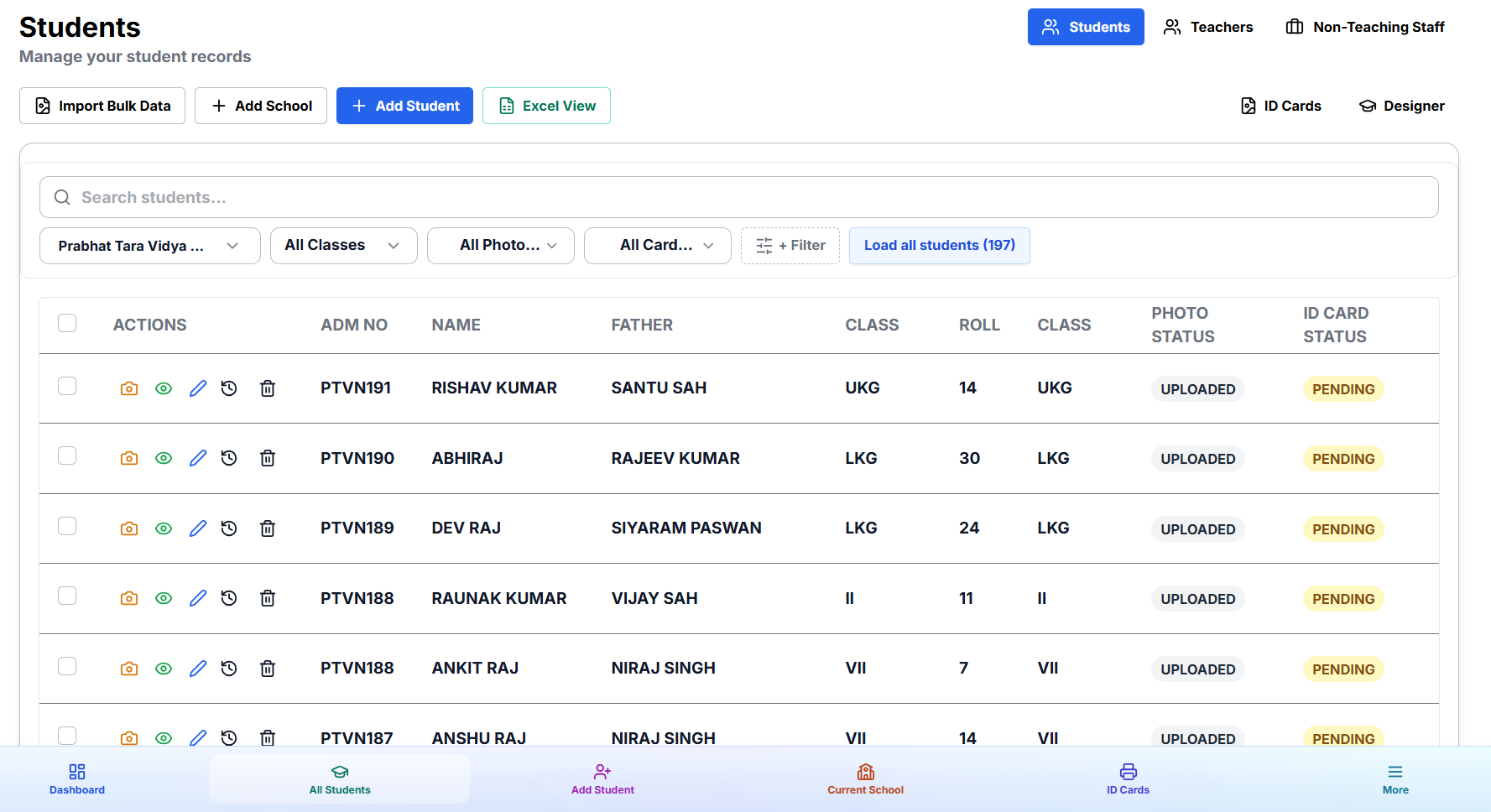
Excel View: Edit In-Place Like a Spreadsheet
Excel View turns your record list into a live, editable grid, right inside the dashboard — no exporting to Excel and re-importing. It supports the editing habits people already have from spreadsheets:
- Rectangular range selection — click and drag across cells and rows the way you would in Excel.
- Copy-paste ranges — copy a block of cells from one set of rows and paste it into another.
- Fill handle — drag a cell's corner to fill the same value (or an incrementing pattern) down a column.
- Undo — mistakes during a bulk edit session aren't permanent.
This is the tool for corrections you're making by hand while looking at the data — fixing a misspelled class name across twelve rows, adjusting a handful of roll numbers, tidying up after an import.
Bulk Update: Corrections From a Spreadsheet You Were Sent
When the correction itself arrives as a spreadsheet — the school emails you a revised list — re-typing it into Excel View row by row defeats the purpose. Bulk Update takes a spreadsheet and matches its rows to your existing records by roll number (or another key field), updating only the fields present in the file and leaving everything else untouched.
- Open Bulk Update and upload the corrected spreadsheet.
- Confirm the matching key (roll number, admission number, or whatever uniquely identifies each record).
- Review the changes it will apply before committing.
- Run the update — matched records are updated, unmatched rows are flagged rather than silently skipped.
Which One to Use
| Situation | Tool |
|---|---|
| You're eyeballing the data and fixing a few dozen cells by hand | Excel View |
| You received a spreadsheet of corrections from the school/client | Bulk Update |
| You're adding brand-new records, not correcting existing ones | Bulk Excel import |
Start Cleaning Up Your Data
Both tools are available from the school or project's records view in your dashboard — no separate setup required.