A QR Code Should Do More Than Repeat the Card
Plenty of ID cards print a QR code that decodes to... the same three lines of text already printed on the card. ID Card Master's Digital Identity feature makes the QR code open something worth scanning: a live, hosted public profile page for that specific person.
Seven Layouts, One Toggle
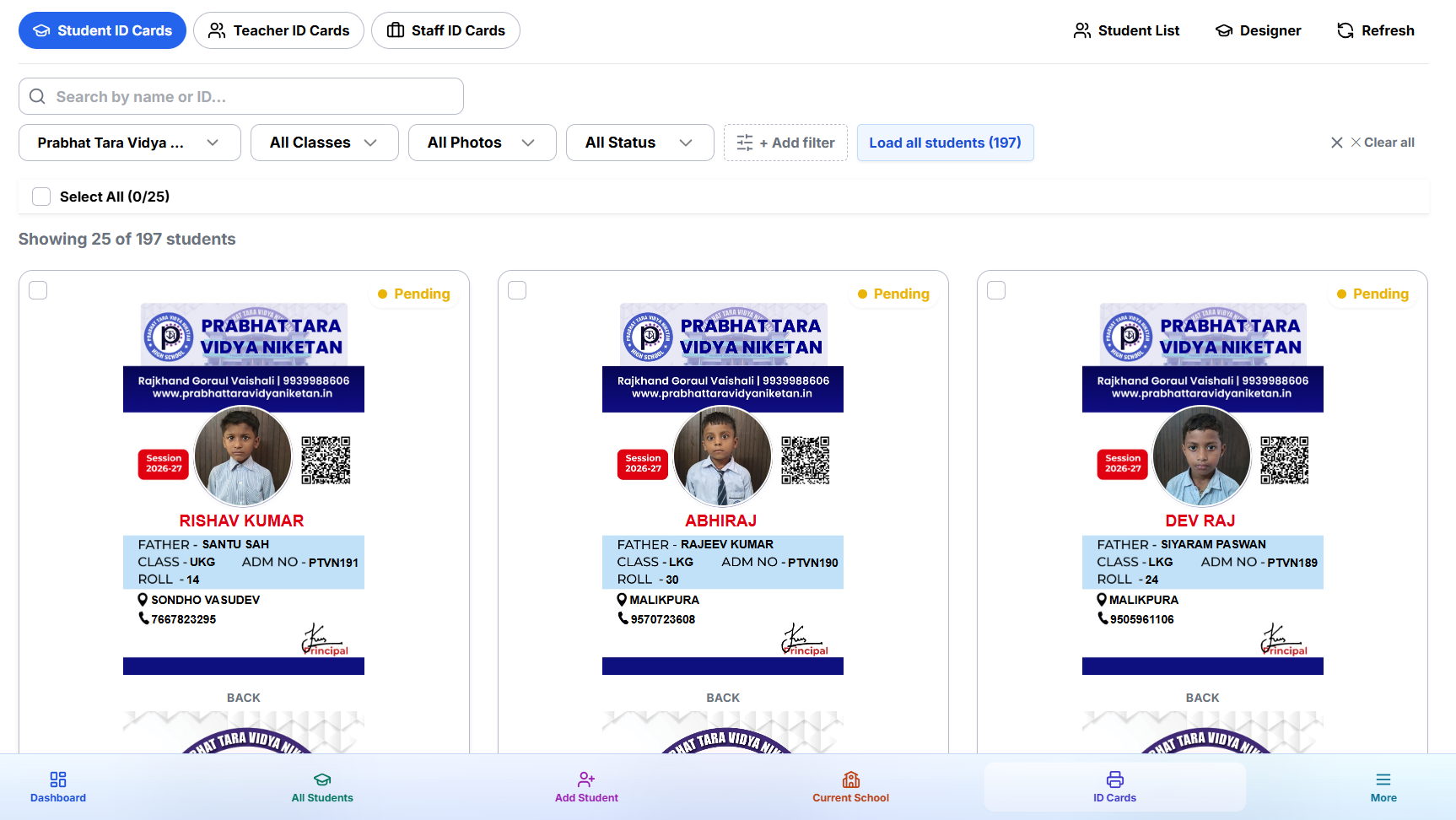
Choose how the profile page looks per project: Badge, Banner, Classic, Compact, Magazine, Portrait, or Split. Each renders the same underlying data — photo, name, ID, school/organisation branding, and whatever fields you choose to expose — in a different visual arrangement, so the public page can match your card's aesthetic rather than looking like a generic database dump.
You Control What's Public
Not every field belongs on a page anyone with the QR code can open. Digital Identity lets you choose exactly which fields are shown publicly — expose a name and photo for basic visual verification, or expose more (course, batch, validity dates) if that's useful for your use case. Sensitive fields simply aren't included in the public payload.
A School-Level Kill Switch
Digital Identity can be turned on or off per project. If a school doesn't want any public profile pages at all, the toggle disables the feature entirely — no per-student QR code will resolve to a public page until it's switched back on.
Why This Matters for Verification
A printed card can be photocopied or forged. A QR code linking to a live, server-hosted profile page — with your organisation's actual branding and a photo that matches the person standing in front of you — is meaningfully harder to fake and easy for a guard, teacher, or gate staff to check in seconds.
This pairs naturally with our QR code and barcode guide if you haven't set up QR fields on your template yet.
Turn It On
Digital Identity is configured per project from your dashboard — pick a layout, choose your public fields, and every QR code you print from that point on opens a real profile page.