The Platform Was Never School-Only
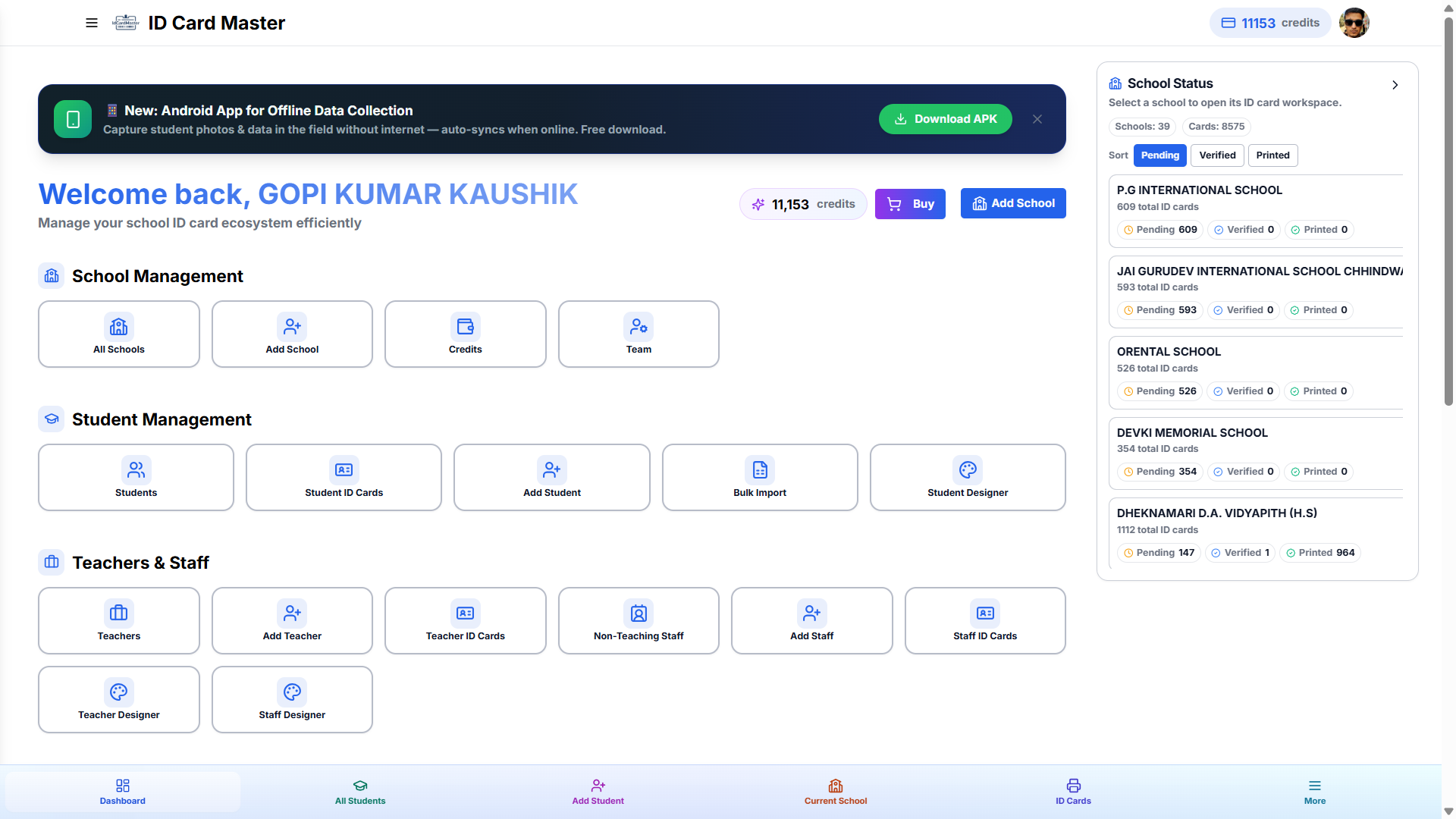
Every screenshot on our homepage shows a school. That's because schools are where ID Card Master started, and they're still the majority of vendors on the platform. But the data model underneath — projects, entity groups, custom fields, card templates — was built generically from day one. A "student" is just a record in a group; a "class" is just a grouping field. Rename the labels and the same engine issues ID cards for colleges, coaching centres, NGOs, corporates, clubs, and events.
If you've been quietly using a spreadsheet-and-Photoshop workflow for a non-school client because you assumed our software wouldn't fit, it already does.
Pick a Project Type — the App Adjusts Its Vocabulary
When you create a new project, you choose what it is:
- School — Students, Teachers, Staff. Class and Section grouping.
- College / University — Students grouped by Course, Batch and Semester instead of Class.
- Coaching Centre / Institute — Batches instead of classes, no academic-year assumptions.
- NGO / Non-Profit — Members, Volunteers, and Beneficiaries as first-class groups.
- Corporate / Organisation — Employees grouped by Department, with designations instead of roll numbers.
- Event / Club — Delegates, Attendees, or Members with no recurring "academic year" cycle at all.
Every downstream tool — bulk import, Photo Lab, the designer, QR/barcode, PDF export — works identically regardless of which type you picked. Only the labels and default fields change.
Every Field Is Yours to Define
Card fields aren't hardcoded. Add, reorder, or remove any data field per project — a Blood Group field for a college, a Designation field for a corporate, a Batch Code for a coaching centre. Nothing about the field manager assumes a school's data shape.
Custom Groups: When Even "Members" Doesn't Fit
Sometimes the built-in groups still aren't the right words for your organisation. That's what custom groups are for — create a group with any name (Volunteers, Interns, Delegates, Coaches) and it gets the full treatment: its own record list, bulk import, photo matching, and card templates. It behaves exactly like Students or Employees, just under whatever name your client actually uses.
One Vendor Account, Many Verticals
You don't need a separate login or a separate tool for each type of client. A vendor managing 40 schools can add a coaching centre and an NGO to the same account and switch between them from one dashboard — same credits, same templates library, same designer.
Start a Non-School Project Free
If you've been turning down or under-serving non-school clients because you assumed the tool wasn't built for them, it's worth five minutes to check. Open your dashboard, create a new project, and pick a type other than School. For the business side of finding and pricing these clients, see our guide on growing your ID card business beyond schools.