The Photo Management Bottleneck in School ID Card Production
Every ID card vendor in India knows the painful reality of photo processing: receiving a folder with 500 student photos named randomly like IMG_20260720_091522.jpg, taken against mismatched backgrounds, with students sitting off-center. Manually opening each photo in Photoshop, cropping the face, removing cluttered backgrounds, and linking the photo to a student record can take 6 to 10 hours per school.
That is why we built ID Card Master Photo Lab — a dedicated studio workspace that automates batch photo processing, AI face cropping, background management, and roll number auto-matching into a streamlined workflow.
Key Features of ID Card Master Photo Lab
1. Bulk ZIP Upload & Roll Number Auto-Match
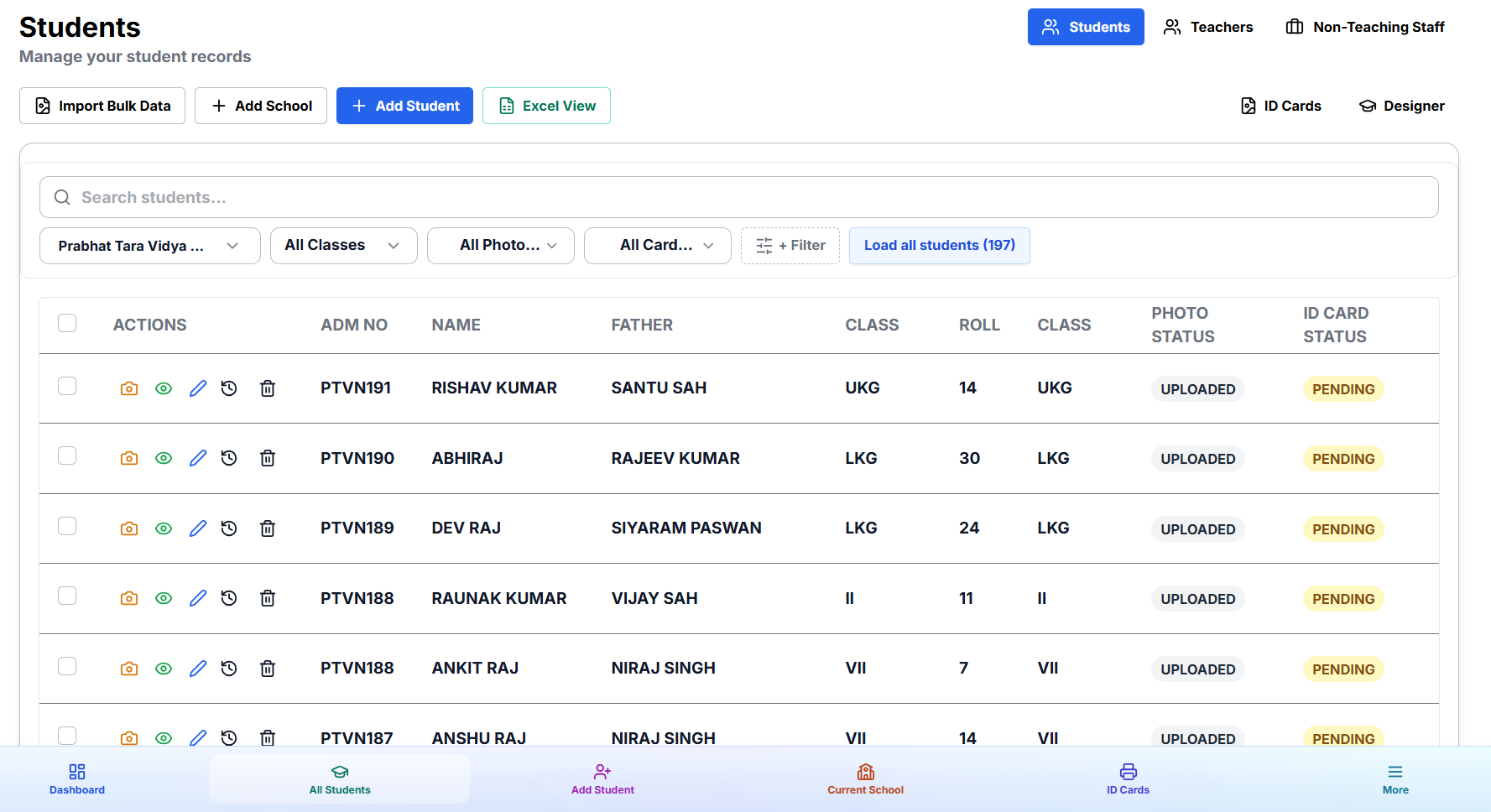
Instead of dragging individual images one by one, Photo Lab lets you compress an entire folder of photos into a single ZIP file and upload it in seconds. If the photo files are named using student Roll Numbers or Admission Numbers (for example, 101.jpg or ADM-2026-05.png), Photo Lab's algorithm instantly matches every image to the correct student in your database.
Learn more about pairing photo imports with student data in our guide on Excel Bulk Import for School ID Cards.
2. AI Face Detection & Automatic Portrait Cropping
When student photos are captured on smartphones, students are often positioned too far, too close, or slightly off to the side. Photo Lab uses our built-in TensorFlow AI engine to detect human faces in real-time, calculate proper portrait margins, and produce uniform crops across the entire batch.
For more details on how our intelligence suite works, read about ID Card Master's AI-Powered ID Card Features.
3. AI Background Removal
Clean, uniform backgrounds are essential for professional ID cards. Photo Lab eliminates the need for physical green screens or white studio backdrops. With one click, the AI isolates the student portrait and replaces noisy classroom or outdoor backgrounds with a clean, solid background tint suitable for school branding.
4. Batch Resolution & Quality Check
Printing pixelated photos damages your reputation as a vendor. Photo Lab automatically flags low-resolution images or missing photos before you hit export, allowing you to request replacement photos early in the process.
Step-by-Step: Processing 500 Student Photos in 5 Minutes
- Organize Photo Files — Name the photo files by Roll Number (e.g.
1.jpg,2.jpg) or Admission Number. - Compress to ZIP — Select all images and create a standard
.zipfile. - Upload in Photo Lab — Go to Dashboard → Photo Lab, choose your active school, and upload the ZIP archive.
- Run Auto-Match & AI Processing — Watch as Photo Lab links photos to student records, applies AI face crops, and cleans up backgrounds.
- Review & Export — Quickly scan the grid preview for any unassigned photos, then proceed to Free ID Card Designs to render print-ready cards.
Photo Lab vs Traditional Photoshop Workflow
| Task | Photoshop Manual Process | ID Card Master Photo Lab |
|---|---|---|
| Uploading 500 Photos | Open files one by one | One-click ZIP bulk upload |
| Cropping Faces | Manual selection box per photo | Automated AI face detection & crop |
| Background Cleanup | Pen tool / Lasso eraser (hours) | Instant AI background removal |
| Matching to Student Records | Manual filename verification | Automatic roll number matching |
| Total Time Required | 6 – 10 Hours | Under 5 Minutes |
Seamless Integration with Card Studio & Template Gallery
Once your student photos are processed in Photo Lab, they instantly become available across all ID Card Master modules. You can test your processed photos live in our Free ID Card Template Gallery or customize your layout in Card Studio.
Need help selecting the right physical dimensions for your printed cards? Check out our comprehensive ID Card Sizes Guide (CR80 vs A4 Layouts).
Start Using Photo Lab Today — 100% Free
Photo Lab is built directly into ID Card Master. No plugins to download, no software licenses to buy, and no per-image charges. Log in to your ID Card Master account or visit the Photo Lab Workspace to process your next batch of school photos faster than ever.