A Different Workflow From Your Regular Student Database
ID Card Master's main designer is built around your persisted student/member records — the data lives in the school, and the card reflects whatever is currently in the database. Bulk Designer is a separate, lighter-weight workflow for the times you don't want that: a one-off batch of visitor badges, a conference's delegate list, a client's data that lives entirely in a spreadsheet you were just handed.
How It Works
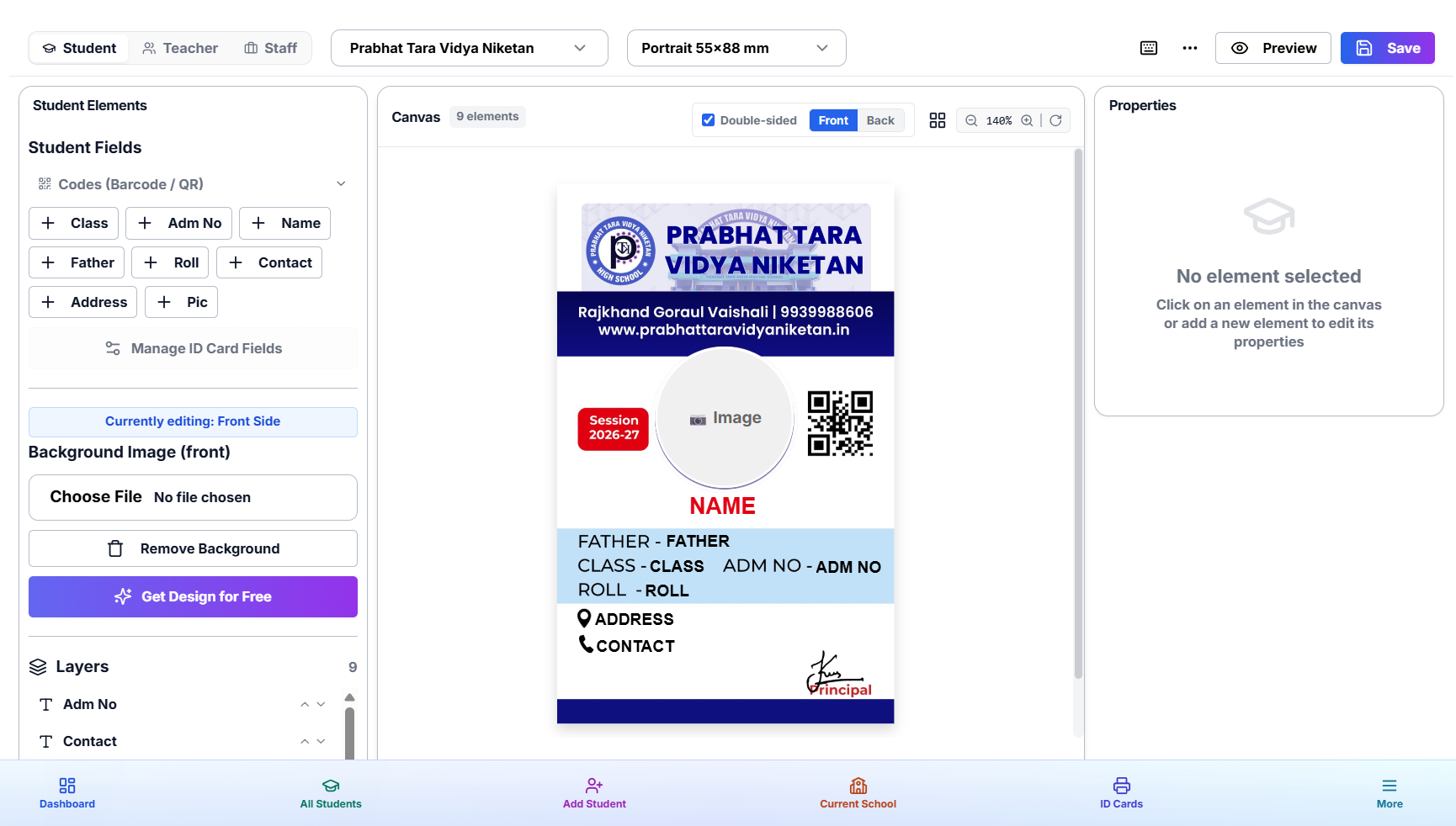
- Build the template. Design the card once in the canvas builder — text fields, images, QR/barcode, backgrounds — exactly like the regular designer.
- Map your data. Import or paste a spreadsheet of any size. Map its columns to the fields on your template — name, ID number, photo reference, whatever the card needs.
- Generate. Batch-render every row into a finished card in one pass.
- Export. Download the full batch as a print-ready PDF.
Generation History
Every batch run is logged with its own history entry, so you can go back to a previous generation, re-download its output, or re-run it after a data correction without rebuilding the template from scratch.
When to Use Bulk Designer Instead of the Regular Designer
- One-off events — conferences, workshops, exhibitions — where the attendee list won't become a persistent database.
- A client hands you a spreadsheet directly instead of using the public form or student import flow.
- You need several independent generation runs from variations of the same base data, each kept separately in history.
For recurring school or college data that you'll keep updating over the year, the regular Excel import into your student database is still the better fit — it keeps data live and searchable rather than a one-time render.
Combine It With Print Basket
Bulk Designer output can be queued into the Print Basket alongside cards from your regular schools, so a mixed print run — some persistent students, some one-off event badges — still comes out as a single combined PDF.
Try It
Open Bulk Designer from your dashboard and build your first mail-merge template.